

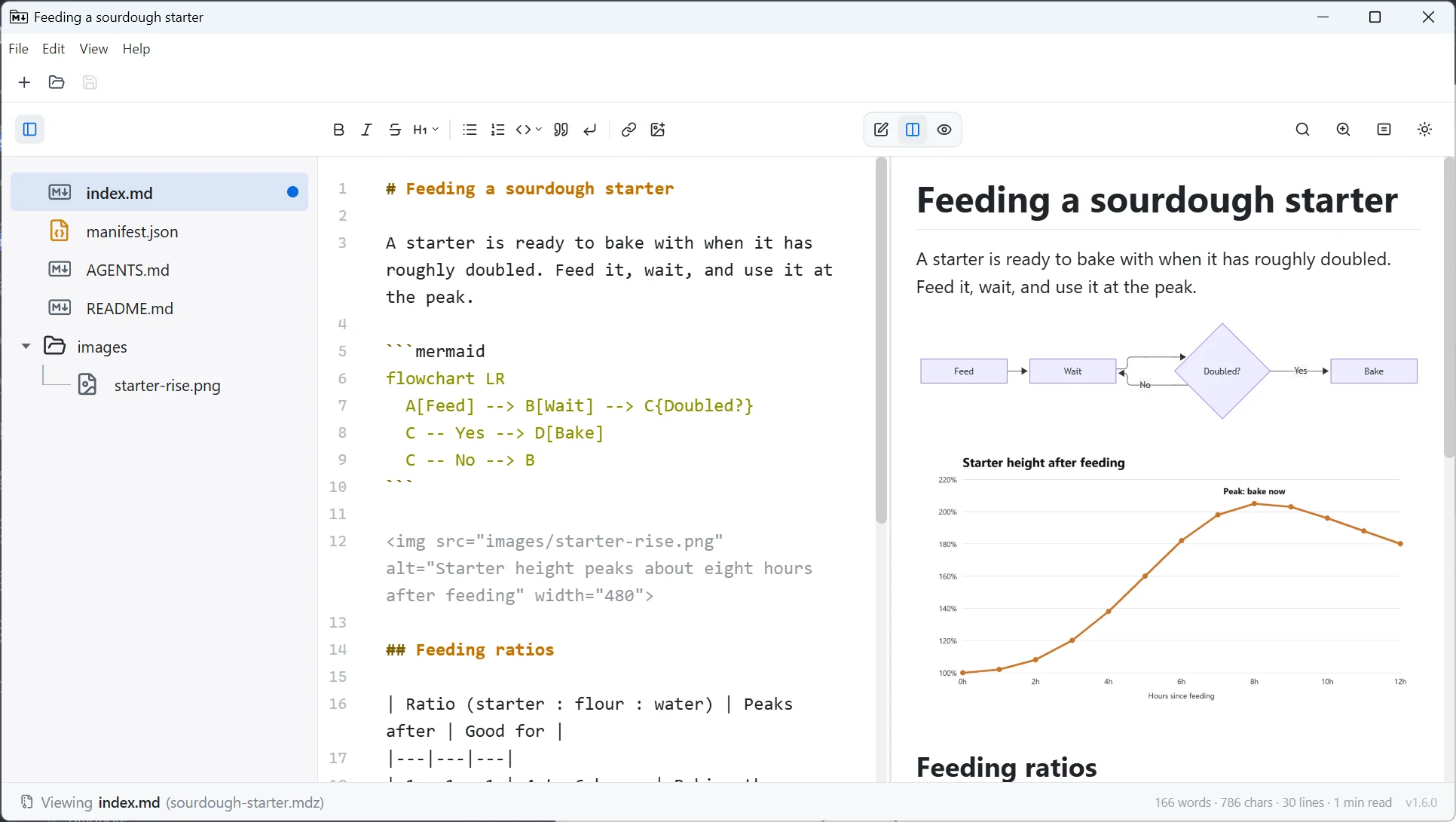
MDZip Studio is...
- A reference application demonstrating native
.mdzcreate and view workflows - A simple, performant Markdown editor — even if you don't need
.mdzfiles - Available today for Windows and Linux, with macOS planned (Electron + web)
MDZip Studio is NOT...
- Meant to be a replacement for your favorite Markdown editor (unless you need
.mdzsupport until your editor supports it) - A knowledge base system — there are plenty of those already
- A full word processor — there are plenty of those already
- Super minimalist, it has buttons but just the useful ones.
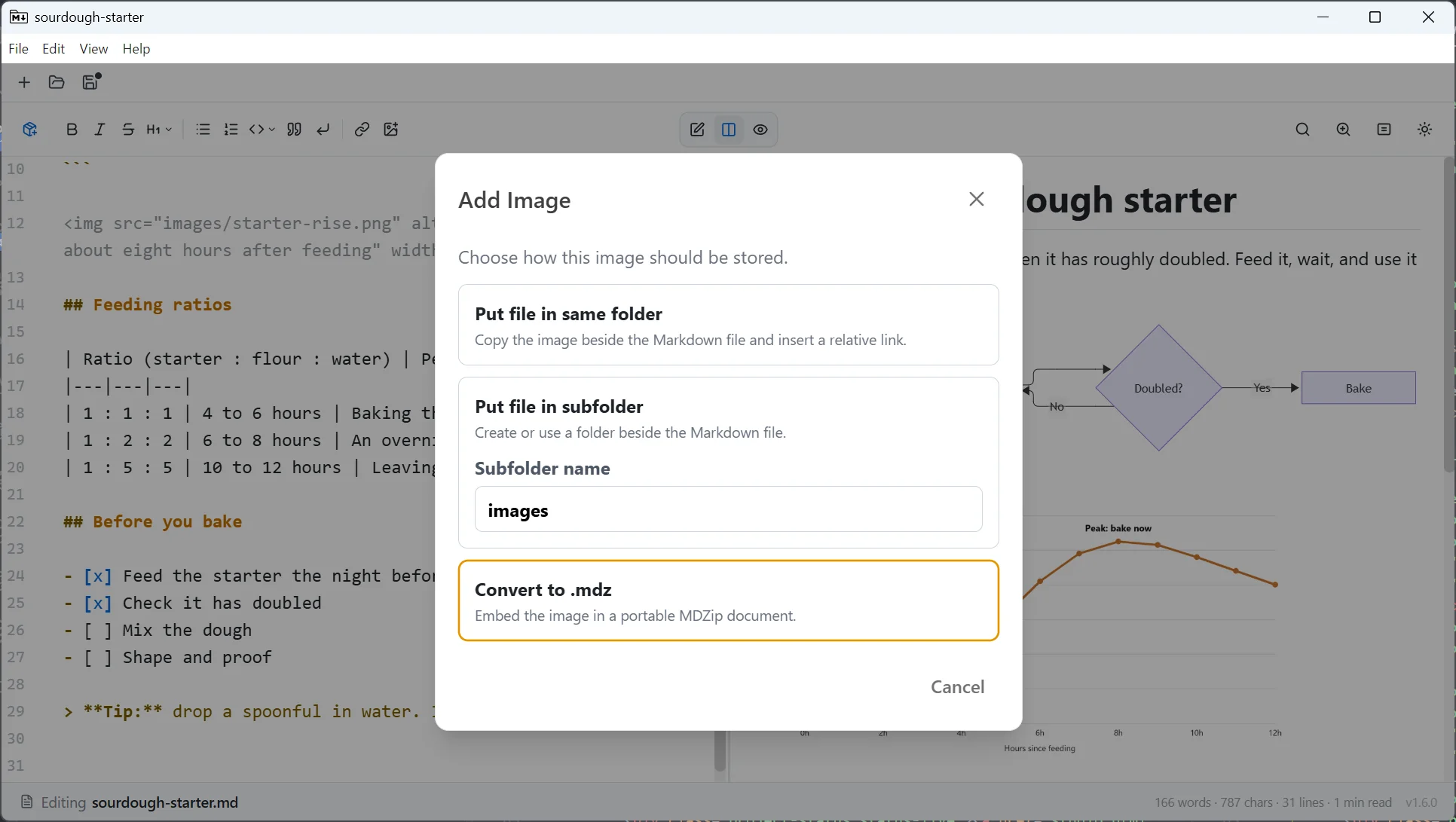
Your images stay with the document
Paste an image into a plain .md file and Studio asks where it should go: beside the file, in a subfolder, or inside the document with Convert to .mdz. Choose that, and the document and its images become one .mdz file you can email, upload or archive without the pictures going missing.
Install
- Windows installer: installing for all users also registers the
.mdzfile type and adds a File Explorer preview for.mdzfiles. The first install can take a few minutes with no visible progress while it sets up a required system component; let it finish rather than cancel it. - Windows portable: a single
.exethat runs without installing and keeps its settings in a folder beside it. It doesn't register the file type or add the preview. - WinGet:
winget install MDZip.Studioinstalls it for you only (the app only). Add--scope machineto install it for all users, with the File Explorer preview. - Chocolatey:
choco install mdzip-studioinstalls it for all users, with the File Explorer preview. Add--params "/NoExplorerIntegration"to install the app only. - Linux: the
.deb(Debian, Ubuntu) registers the.mdzfile type; the AppImage runs on other distributions.
All downloads are on the latest release page. Want to try it first? The Editor Demo runs the same editor in your browser, with nothing to install.
Markdown support
- Editing: CommonMark-based Markdown editing through CodeMirror's
@codemirror/lang-markdownsupport. - Preview/rendering: GitHub Flavored Markdown-style rendering through
markedwith its default GFM mode enabled. - Safety: Rendered HTML is sanitized with DOMPurify before display.
- Code blocks: Fenced code blocks are highlighted with
highlight.jswhen a language is recognized. - Diagrams: Mermaid code blocks render inline in the preview.
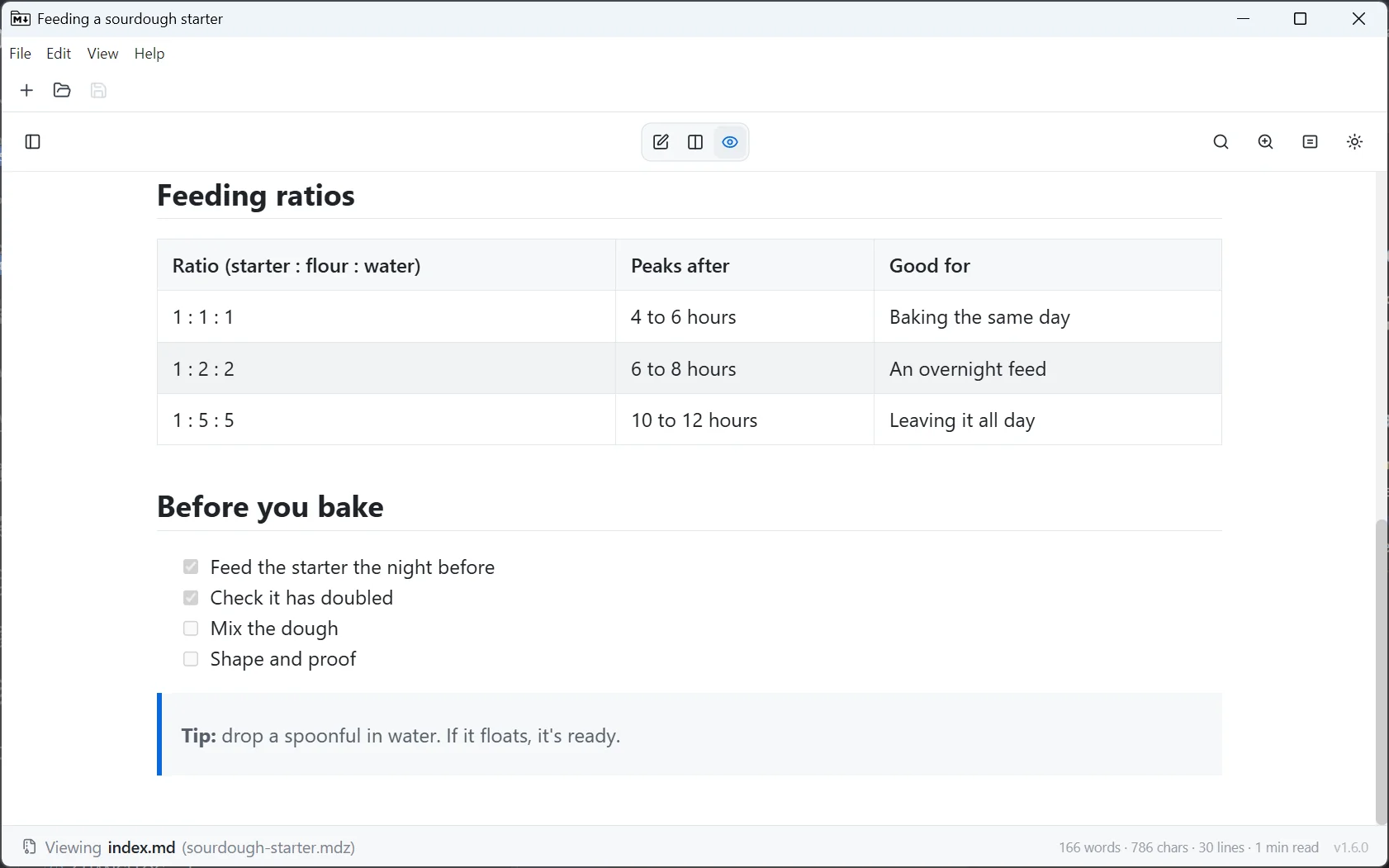
- Footnotes and task lists render in the preview.
Features
- Single document
.mdand.mdzediting (CommonMark) - Convert an
.mdfile to.mdzon demand (e.g. when inserting an image) - Basic Markdown formatting controls
- Image support (images are archived inside the
.mdz) - Source, preview, and split view modes
- Drag and drop file rearranging within the archive
- Archive validation
- Manifest editing
- Folder packing
- Recent files
- Manual and background update checks
- Print, with a paginated preview — save to PDF via the system print dialog
- Light, dark, or system color scheme and a choice of page width, both remembered
- Copy as plain text, formatted text (images included, for Word or email), HTML, or Markdown
- Remote images load only while View → Load Remote Images is on
- Large documents with thousands of images open in seconds
- Windows File Explorer integration (
.mdzpreview + file-type registration) - Portable Windows version: a single
.exethat runs without installing - Linux packaging (
.deband AppImage), with the.debregistering the.mdzfile type
Planned features
- Conversion to and from other formats via Pandoc
- Table formatting controls
- Plug-in system to use other renderers (draw.io, etc.)
- More saved preferences (editor configuration etc.)
- Templates
- macOS installer
Out of scope
- WYSIWYG editing
- Tabbed or docked layouts (each document opens in its own window)
- File manager
This page renders from studio.mdz (MDZip, ~199 KB, updated 2026-10-28) — one self-contained file. Download it, open it in the web editor, or read how these pages are made.