
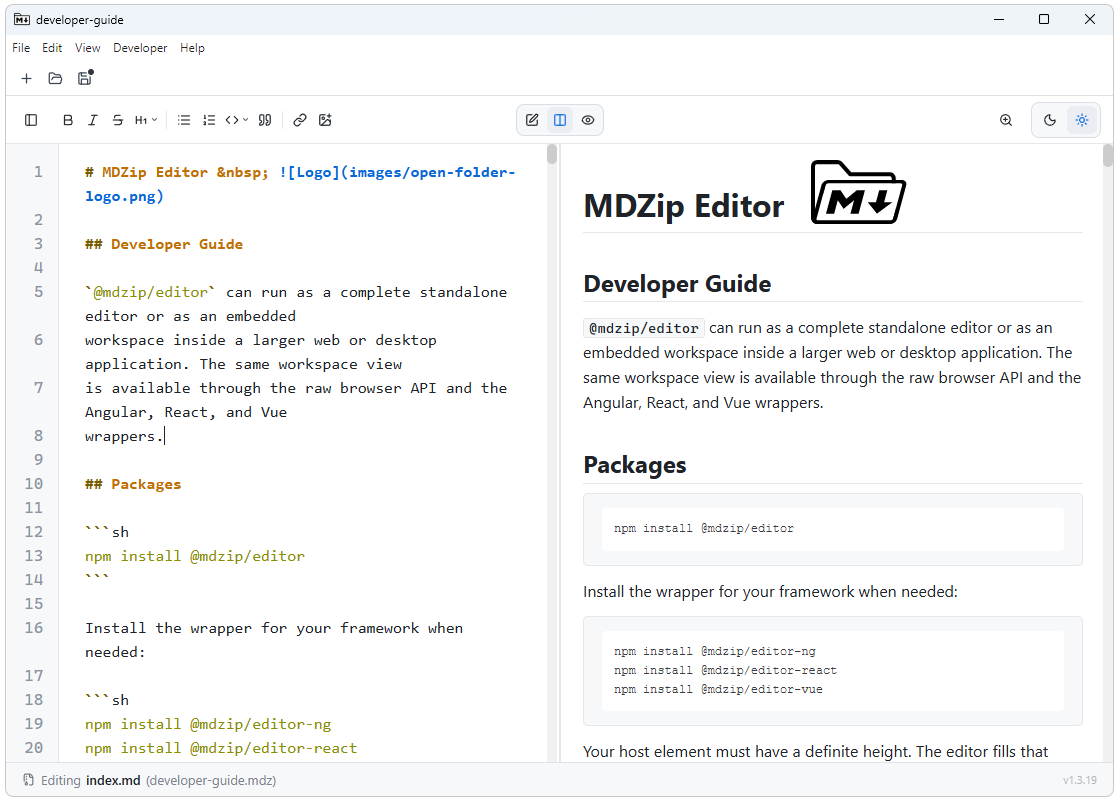
MDZip Studio is...
- A reference application demonstrating native
.mdzcreate and view workflows - A simple, performant Markdown editor — even if you don't need
.mdzfiles - Available today for Windows and Linux, with macOS planned (Electron + web)
MDZip Studio is NOT...
- Meant to be a replacement for your favorite Markdown editor (unless you need
.mdzsupport until your editor supports it) - A knowledge base system — there are plenty of those already
- A full word processor — there are plenty of those already
- Super minimalist, it has buttons but just the useful ones.
Markdown support
- Editing: CommonMark-based Markdown editing through CodeMirror's
@codemirror/lang-markdownsupport. - Preview/rendering: GitHub Flavored Markdown-style rendering through
markedwith its default GFM mode enabled. - Safety: Rendered HTML is sanitized with DOMPurify before display.
- Code blocks: Fenced code blocks are highlighted with
highlight.jswhen a language is recognized. - Diagrams: Mermaid code blocks render inline in the preview.
Features
- Single document
.mdand.mdzediting (CommonMark) - Convert an
.mdfile to.mdzon demand (e.g. when inserting an image) - Basic Markdown formatting controls
- Image support (images are archived inside the
.mdz) - Source, preview, and split view modes
- Drag and drop file rearranging within the archive
- Archive validation
- Manifest editing
- Folder packing
- Recent files
- Manual and background update checks
- Print, with a paginated preview — save to PDF via the system print dialog
- Windows File Explorer integration (
.mdzpreview + file-type registration) - Linux packaging (
.deband AppImage), with the.debregistering the.mdzfile type
Planned features
- Conversion to and from other formats via Pandoc
- Table formatting controls
- Plug-in system to use other renderers (draw.io, etc.)
- Saved preferences (theme, editor configuration etc.)
- Templates
- macOS installer
Out of scope
- WYSIWYG editing
- Tabbed or multi-window layouts
- File manager
This page renders from studio.mdz (MDZip, ~236 KB, updated 2026-09-19) — one self-contained file. Download it, open it in the web editor, or read how these pages are made.