
MDZip for Obsidian is in Community plugins: keep notes and their images in one file

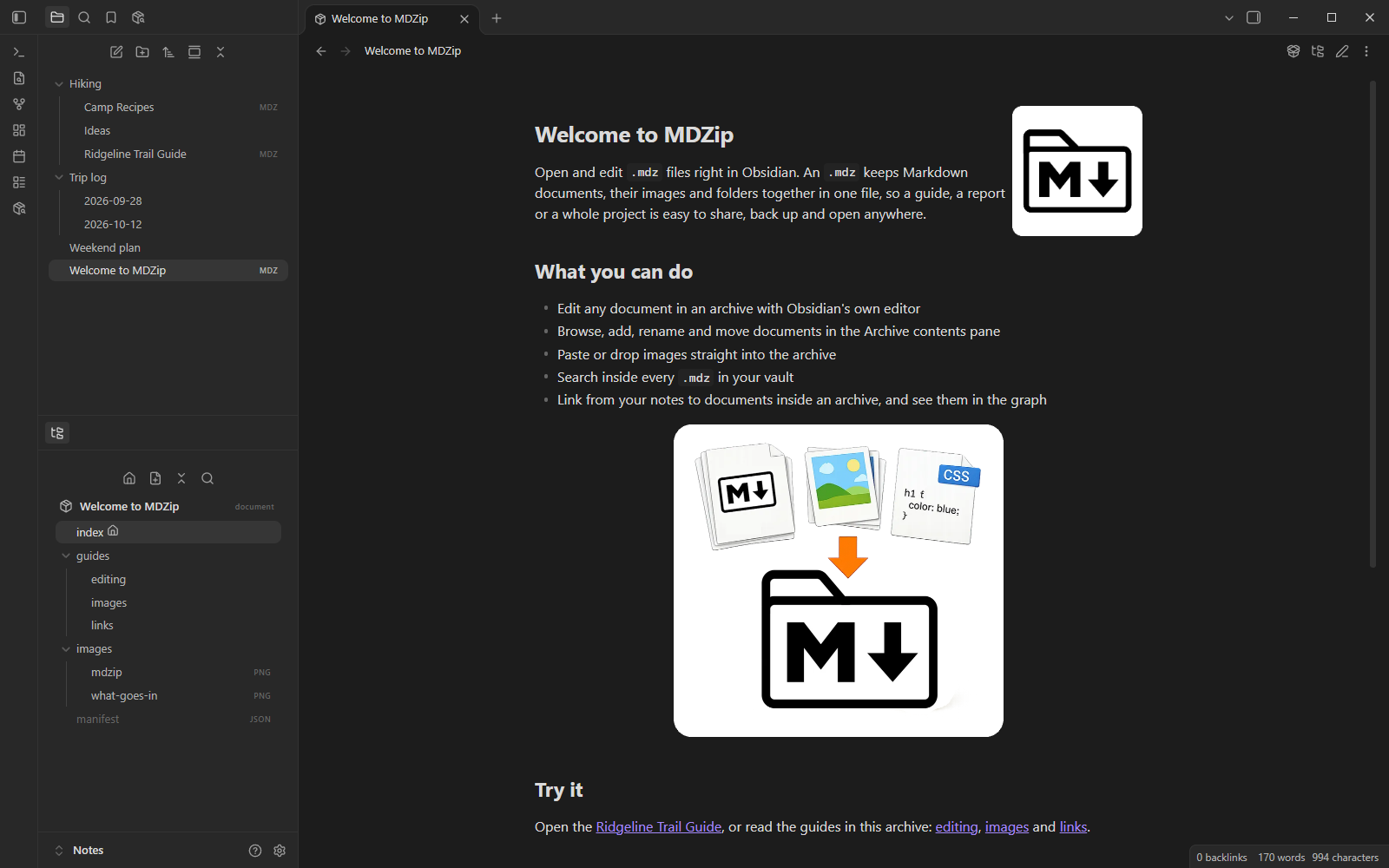
The MDZip plugin for Obsidian is now in Obsidian's Community plugins. In Obsidian, open Settings → Community plugins, choose Browse, search for MDZip, then Install and Enable. It works on desktop and mobile, with Obsidian 1.14.5 or later.
Why .mdz in Obsidian
An Obsidian note and its images are separate files, held together by the vault. Send the note to someone, move it to another vault or open it in another app, and the pictures go missing. An .mdz keeps the note and every image it uses in one file, so it travels intact and opens in MDZip Studio, VS Code, your browser, or any ZIP tool.
What the plugin does
- Edit
.mdzfiles in Obsidian's own editor, with live preview, reading view and your hotkeys. Changes save back into the file. - Keep pasted images inside the file. Paste or drop an image and it goes into the
.mdz, not a vault folder. Pasting an image into a plain note offers to turn the note into an.mdz. - Work with archives that hold many documents: a handbook, a trip plan, a small wiki. The Archive contents pane lets you browse, search, add, rename and move documents and folders, and links inside the archive are updated when things move.
- Link between your notes and archives.
[Design](Project.mdz/docs/design.md)opens a document inside an archive, and those links follow the archive if you rename or move it. - Search and graph. MDZip search finds text in every archive in your vault, and graph view shows the documents inside them alongside your notes.
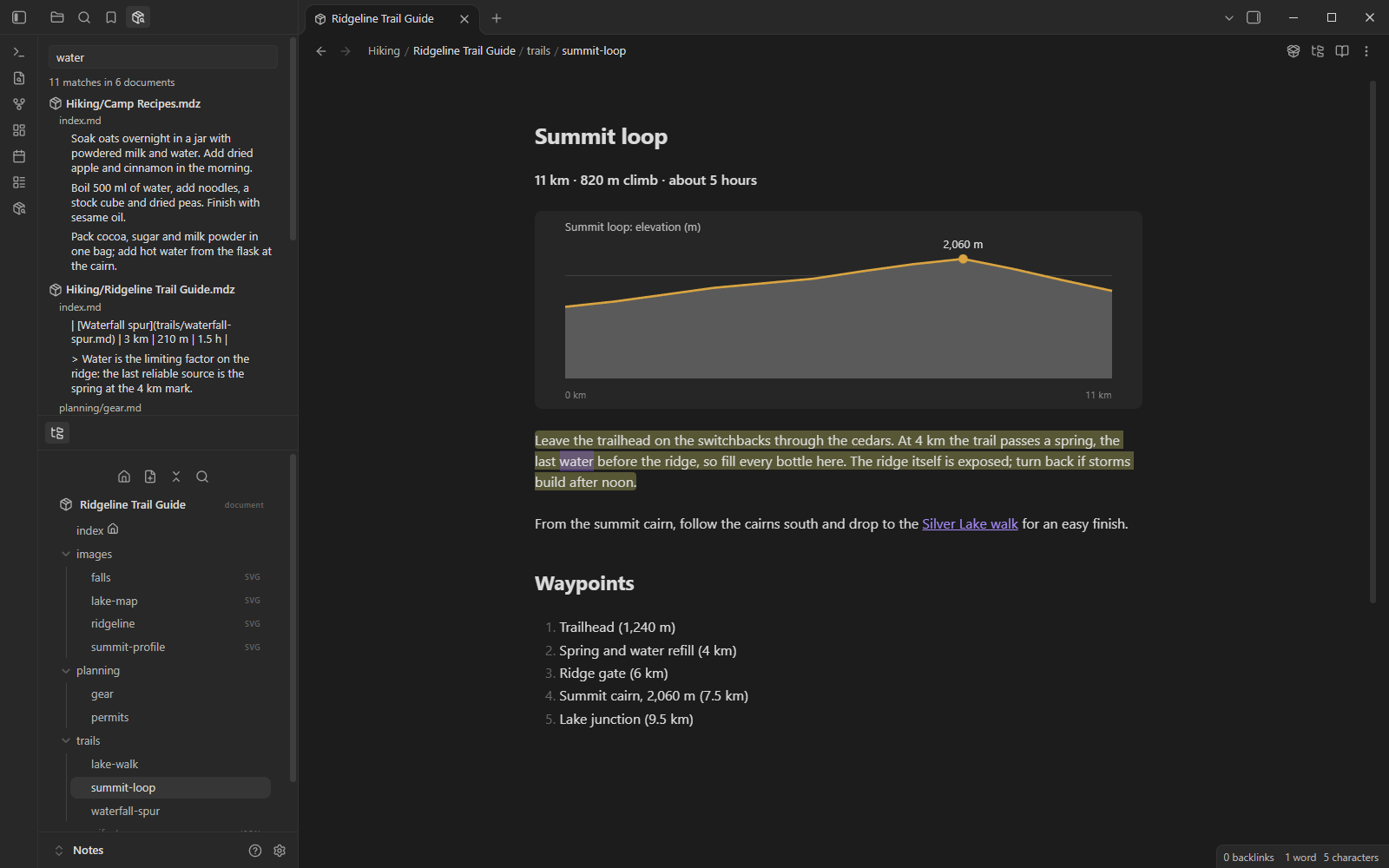
The plugin works only with files in your vault. It makes no network requests and collects nothing.
MDZip in Community plugins · About the plugin · Source and issues on GitHub
Obsidian is a trademark of Dynalist Inc. MDZip isn't affiliated with or endorsed by Obsidian.
This post renders from 2026-10-27-mdzip-for-obsidian-is-in-community-plugins-keep.mdz (MDZip, ~246 KB) — one self-contained file. Download it, open it in the web editor, or read how these pages are made.